
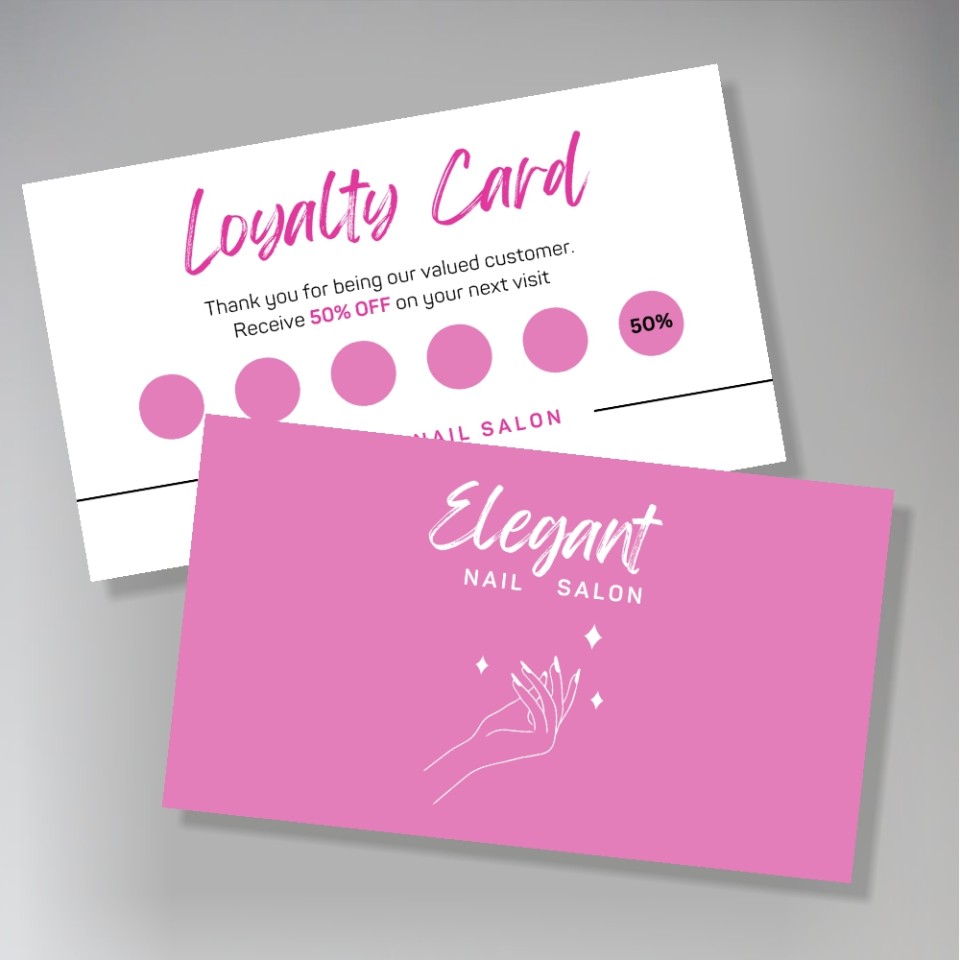
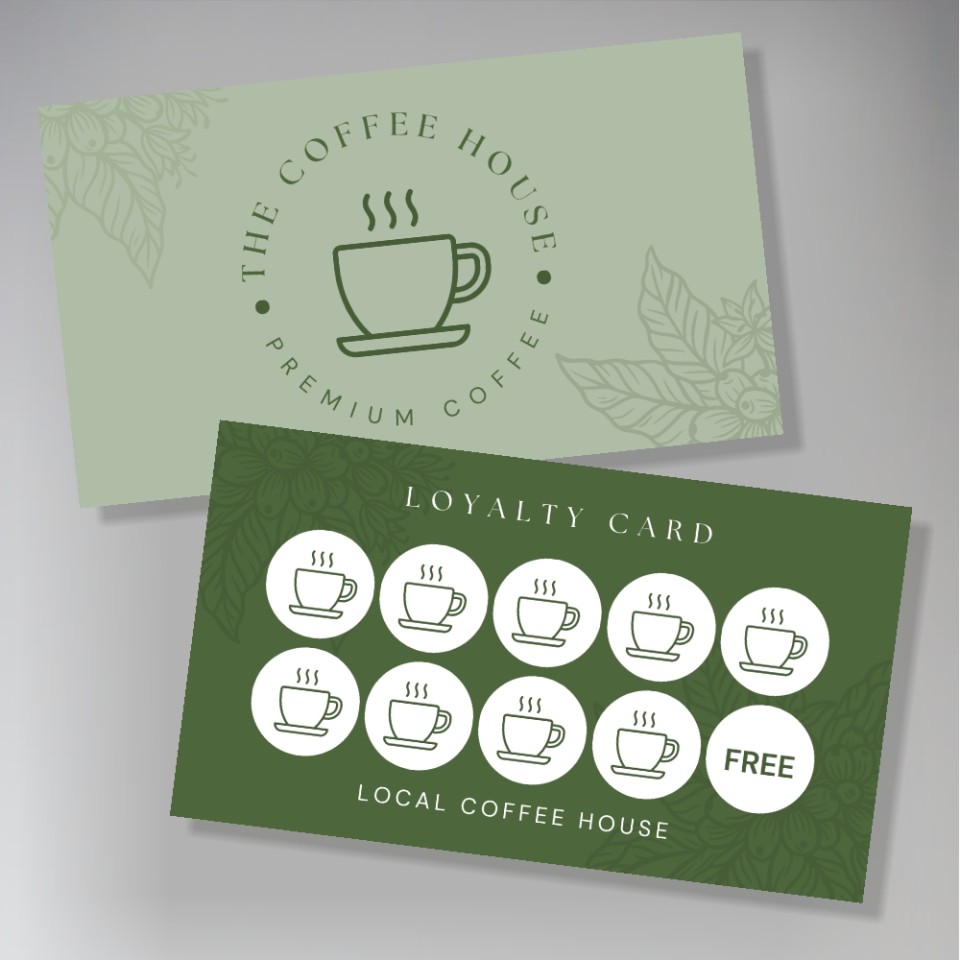
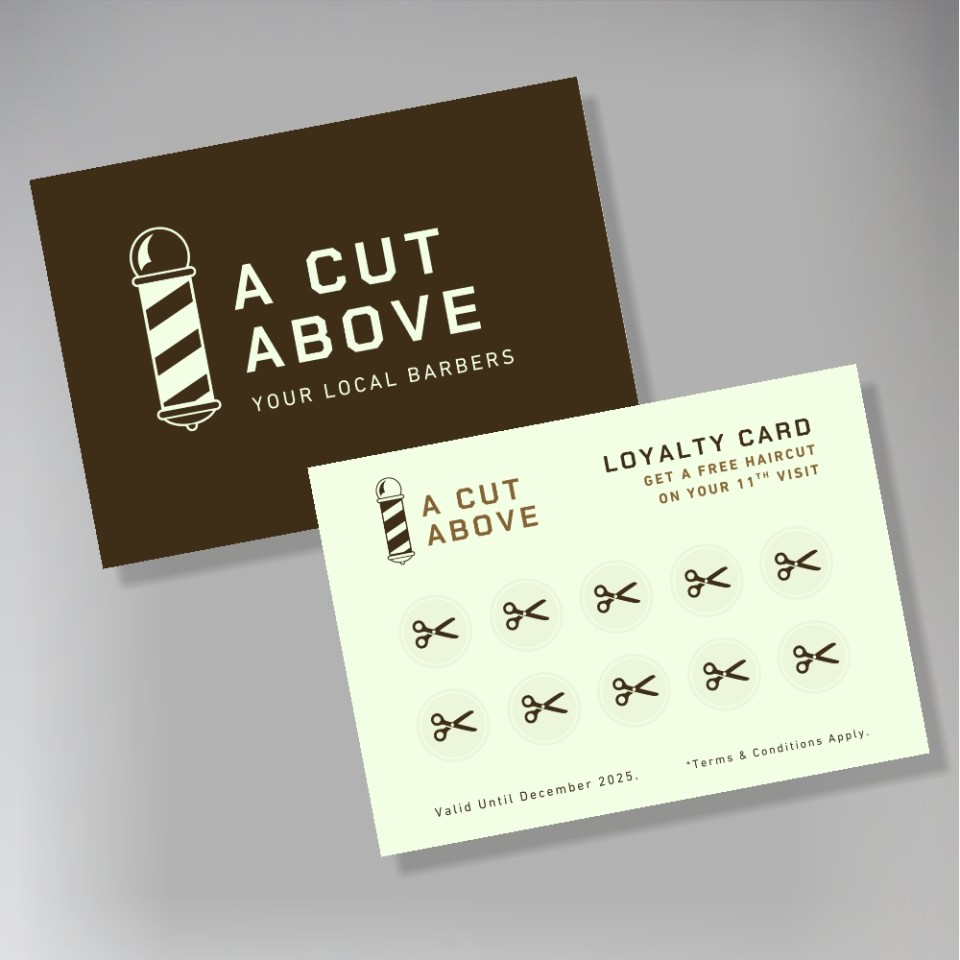
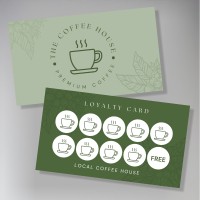
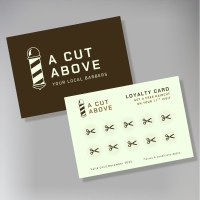
Unlike standard business cards which often have a silk or gloss coating, our loyalty cards are printed on a premium 350gsm uncoated board. This matt, absorbent surface prevents ink from smudging, making it ideal for rubber stamps and ballpoint pens.
We cut to the standard UK business card size (85mm x 55mm), ensuring they fit easily into your customers' purses or wallets.
As we print and trim everything on-site, we can dispatch your order quickly - perfect if you are running low on stock.
Ideal For:
-
Coffee shops and cafés (e.g., "Buy 9 coffees, get the 10th free")
-
Barbers and hair salons
-
Nail bars and beauty therapists
-
Takeaway restaurants
How it works
We'll need to have a file that is ready to print (see specifications in the next tab).
To place an order, simply select the options you'd like, pay online, and you'll be prompted to upload your design.
We don't print anything automatically. We'll check your order, make sure we understand it, and email you a PDF proof for you to approve first. This will shows the final layout as it would print, and allows you to check for any mistakes.
Once you approve your PDF proof, we'll get started and email you once they're done.
Preparing your file
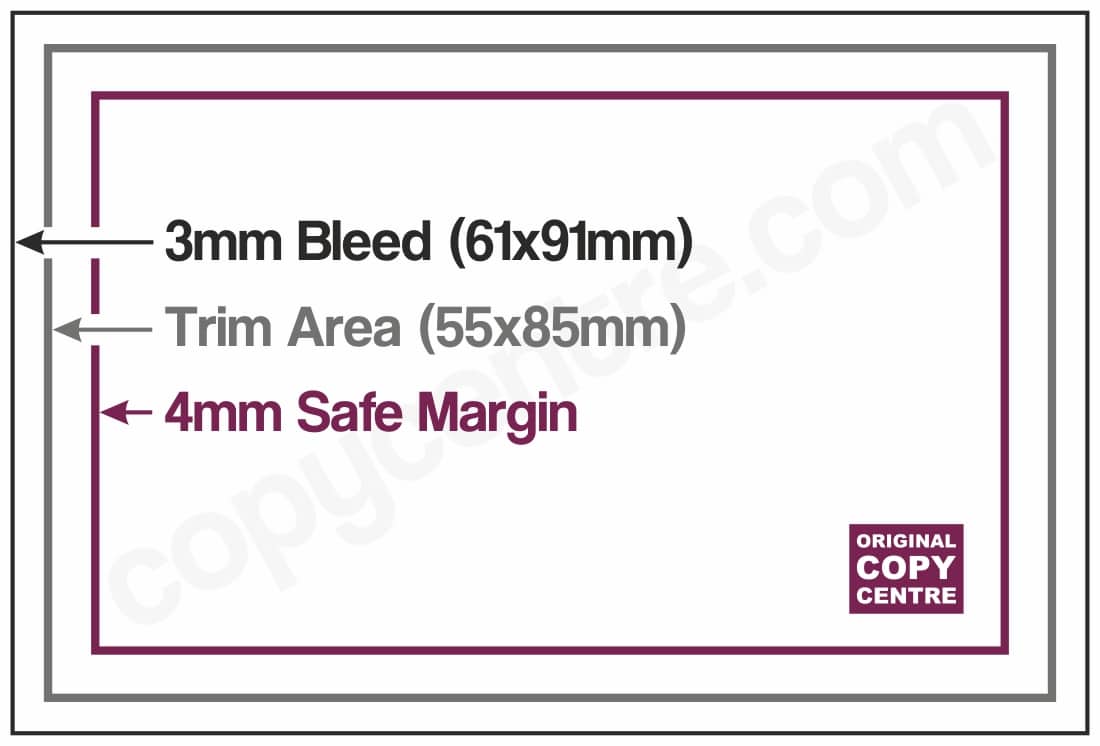
The ideal: a press-ready PDF The best thing you can send us is a PDF exported at 'Press Quality' (or 'High Quality Print') settings, set up with 3mm bleed and cropmarks. Bleed means your design extends slightly beyond the cut edge, so there are no white borders after trimming.
Not sure how to do this? Canva makes it straightforward — export as PDF Print and tick the 'Crop marks and bleed' box. For Adobe InDesign or Illustrator, use File → Export → PDF (Print) and choose the Press Quality preset. Our full artwork guide is at copycentre.com/artwork.
For professional designers
- Colour mode: CMYK
- Bleed: 3mm all sides
- Safe zone: keep important text and logos 4mm inside the trim edge
- Fonts: Please don't use a smaller size than 8
- File format: PDF/X-1a or PDF/X-4 preferred; PDF (Press Quality) also accepted
We can accept other file type (JPEG, TIFF, PNG, Word, PowerPoint, and Publisher) but these are not suitable for edge to edge printing, so must have a white background only.
Remember, we don't print anything automatically and we will always check your file and email you a PDF proof first before we start.
If you don't have a design:
- Canva is the quickest and easiest way to make a design, with thousands of free templates. Please download a 'PDF for print' with cropmarks and not flattenned, for the best results.
- We can design your card if you select the option. Simply tell us your requirements, with any text, logos and details that you would like included, and we'll make up a custom design and send you a PDF proof to approve. Please note that our design service takes a minimum of 1 working day extra.
Specifications
- Printed full colour, edge to edge, on 350gsm card
- Uncoated card has a plain finish to it, ideal for writing on or using an ink stamp
Not found what you're looking for?
Get in touch!Loyalty Cards
|
Format
Size
Paper
Finish
Corners
Design
Order within Collect after 4pm:
08-10-26
Delivered by:
16-10-26
01277 634 508
Quantity
Price
£
 + VAT
+ VAT
|
More Prices
Click a price below to add an item, based on your chosen printing options above and relevant service, to the basket.
| Qty | 1 working day |
|---|---|
| 50 |
|
| 100 |
|
| 250 |
|
| 500 |
|
| 1000 |
|
| 2000 |
|
| 5000 |
|
How it works
How it works
We'll need to have a file that is ready to print (see specifications in the next tab).
To place an order, simply select the options you'd like, pay online, and you'll be prompted to upload your design.
We don't print anything automatically. We'll check your order, make sure we understand it, and email you a PDF proof for you to approve first. This will shows the final layout as it would print, and allows you to check for any mistakes.
Once you approve your PDF proof, we'll get started and email you once they're done.
Product Specifications
Preparing your file
The ideal: a press-ready PDF The best thing you can send us is a PDF exported at 'Press Quality' (or 'High Quality Print') settings, set up with 3mm bleed and cropmarks. Bleed means your design extends slightly beyond the cut edge, so there are no white borders after trimming.
Not sure how to do this? Canva makes it straightforward — export as PDF Print and tick the 'Crop marks and bleed' box. For Adobe InDesign or Illustrator, use File → Export → PDF (Print) and choose the Press Quality preset. Our full artwork guide is at copycentre.com/artwork.
For professional designers
- Colour mode: CMYK
- Bleed: 3mm all sides
- Safe zone: keep important text and logos 4mm inside the trim edge
- Fonts: Please don't use a smaller size than 8
- File format: PDF/X-1a or PDF/X-4 preferred; PDF (Press Quality) also accepted
We can accept other file type (JPEG, TIFF, PNG, Word, PowerPoint, and Publisher) but these are not suitable for edge to edge printing, so must have a white background only.
Remember, we don't print anything automatically and we will always check your file and email you a PDF proof first before we start.
If you don't have a design:
- Canva is the quickest and easiest way to make a design, with thousands of free templates. Please download a 'PDF for print' with cropmarks and not flattenned, for the best results.
- We can design your card if you select the option. Simply tell us your requirements, with any text, logos and details that you would like included, and we'll make up a custom design and send you a PDF proof to approve. Please note that our design service takes a minimum of 1 working day extra.
Specifications
- Printed full colour, edge to edge, on 350gsm card
- Uncoated card has a plain finish to it, ideal for writing on or using an ink stamp
Not found what you're looking for?
Get in touch!